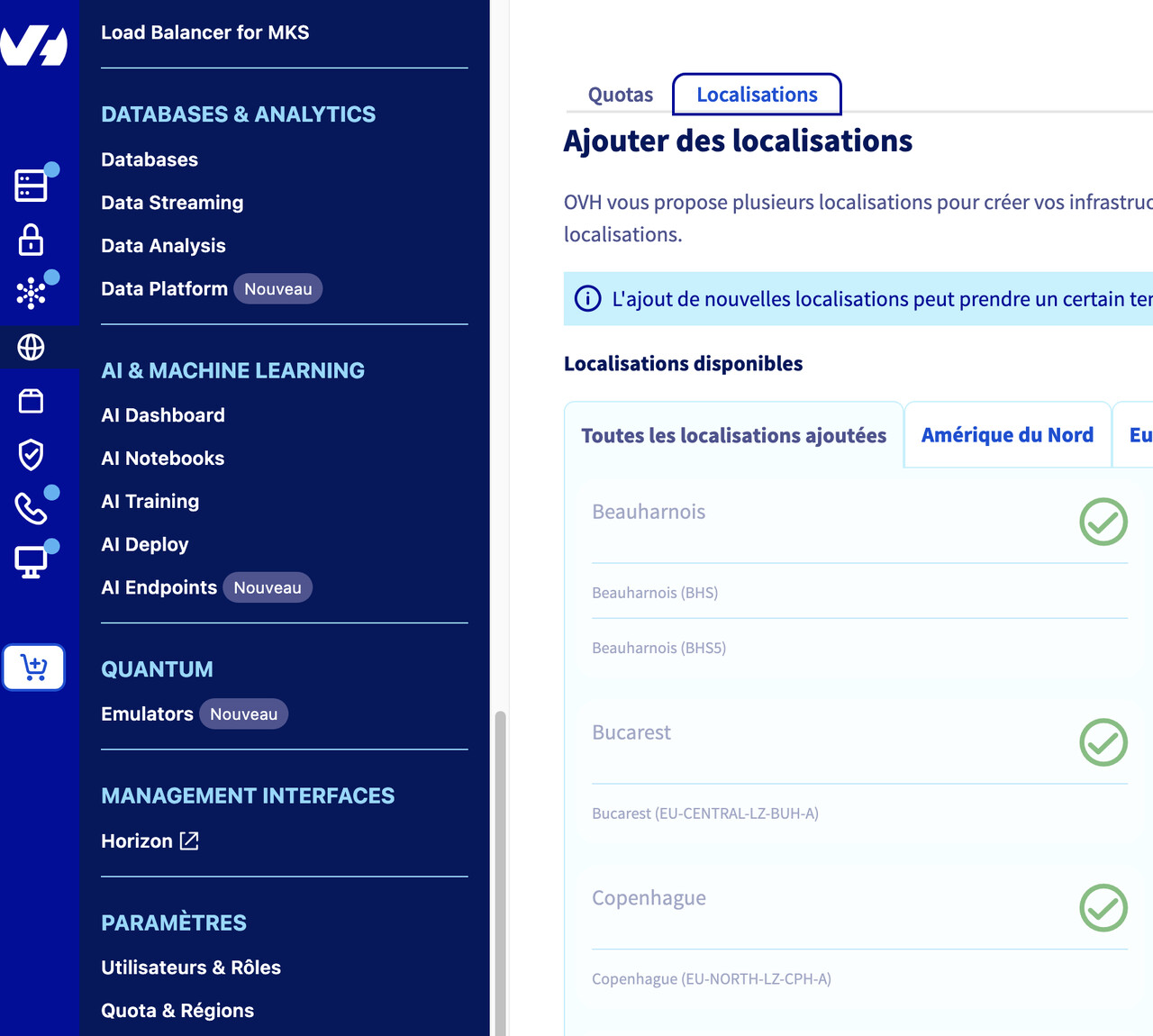
Si vous rencontrez l’erreur No available region found for GRA11, c’est que la région sélectionnée dans votre environnement (fournisseurs + région ou dans les Load Balancer) n’est pas activée sur votre compte OVHCloud.
Allez dans « paramètres » → « quota et régions », puis « onglet Localisations »
Tout en bas, il y a « Localisations que vous pouvez ajouter »

If you encounter an error such as No available region found for SBG7, it means that the region selected in your environment (providers + region or in Load Balancers) is not enabled on your OVHCloud account.
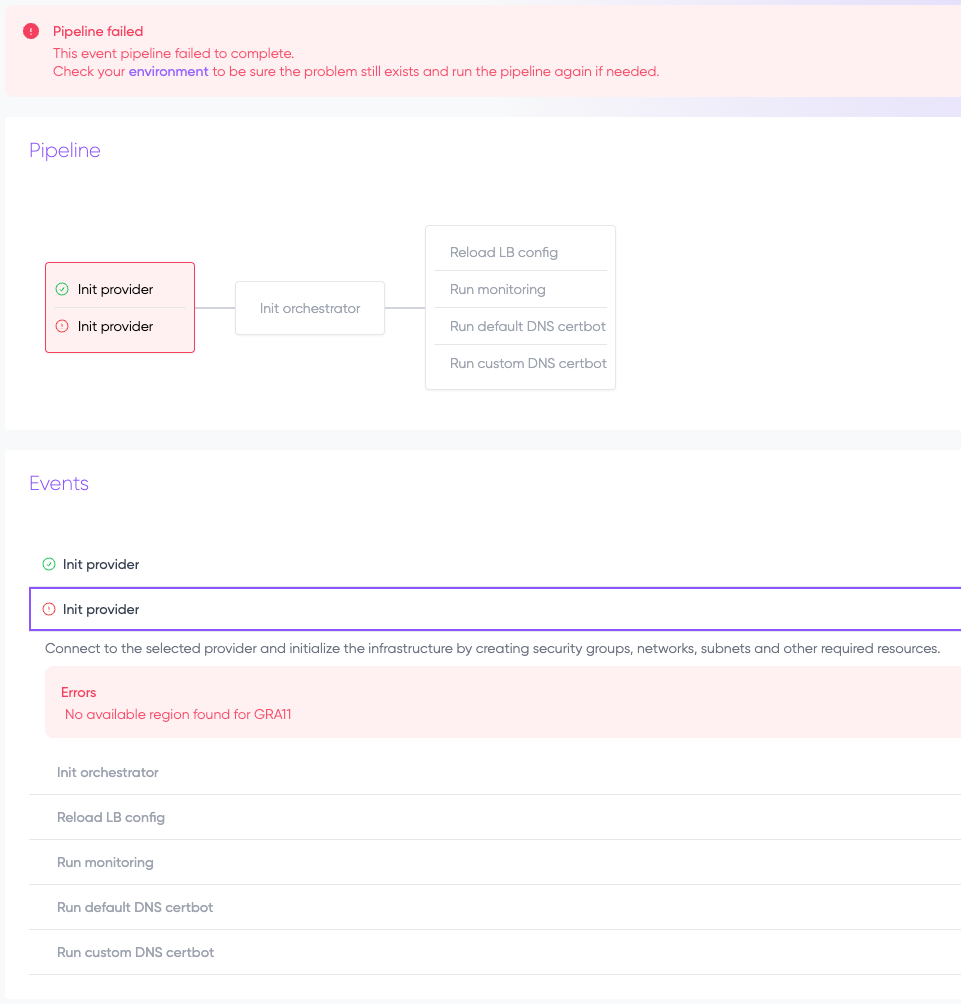
Go to “Settings” → “Quota and regions,” then “Locations tab.”
At the very bottom, you will see “Locations you can add.”